# nos2x
### notes and other stuff signed by an extension
## Nostr Signer Extension
Use this to sign [Nostr](https://github.com/nostr-protocol/nostr) events on web-apps without having to give them your keys.
It implements [NIP-07](https://github.com/nostr-protocol/nips/blob/master/07.md), i.e. provides a `window.nostr` object which has the following methods:
```
async window.nostr.getPublicKey(): string // returns your public key as hex
async window.nostr.signEvent(event): Event // returns the full event object signed
async window.nostr.getRelays(): { [url: string]: RelayPolicy } // returns a map of relays
async window.nostr.nip04.encrypt(pubkey, plaintext): string // returns ciphertext+iv as specified in nip04
async window.nostr.nip04.decrypt(pubkey, ciphertext): string // takes ciphertext+iv as specified in nip04
async window.nostr.nip26.delegate(delegateePubkey, cond): object // generates a delegation token ({from, to, cond, sig})
```
This extension is Chromium-only. For a maintained Firefox fork, see [nos2x-fox](https://diegogurpegui.com/nos2x-fox/).
## Demo Video
https://user-images.githubusercontent.com/1653275/149637382-65d50a85-fe30-4259-b7de-99c88b089b53.mp4
## Install
- [Chrome Extension](https://chrome.google.com/webstore/detail/nos2x/kpgefcfmnafjgpblomihpgmejjdanjjp)
## Develop
To run the plugin from this code:
```
git clone https://github.com/fiatjaf/nos2x
cd nos2x
yarn
yarn run build
```
then
1. go to `chrome://extensions`;
2. ensure "developer mode" is enabled on the top right;
3. click on "Load unpackaged";
4. select the `extension/` folder of this repository.
## Screenshots
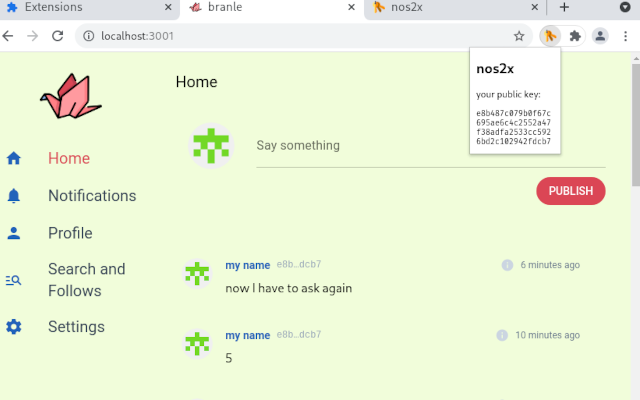
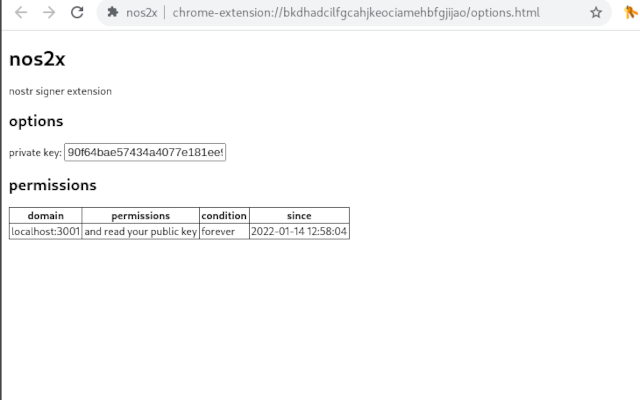
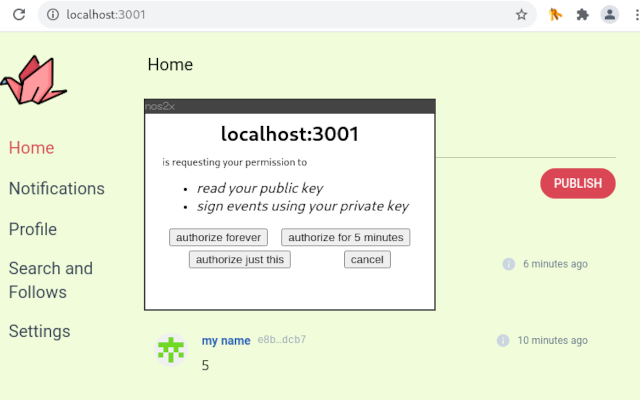
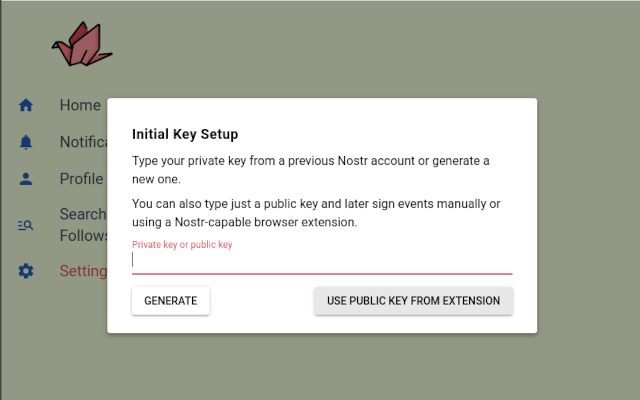
---
LICENSE: public domain.
Icon made by Freepik from www.flaticon.com.